
Keep the club organised.
A home for committee members and coordinators to manage teams, place coaches and managers, maintain rosters and family contacts, record consent and organise fixtures.
Explore the club officeThe home of your community sport
The club office, the coach’s clipboard and the family group chat, connected. Organise your teams, plan better training, run game day and keep families in the loop. One platform for the people who make community sport happen.
Basketball available now · More sports planned
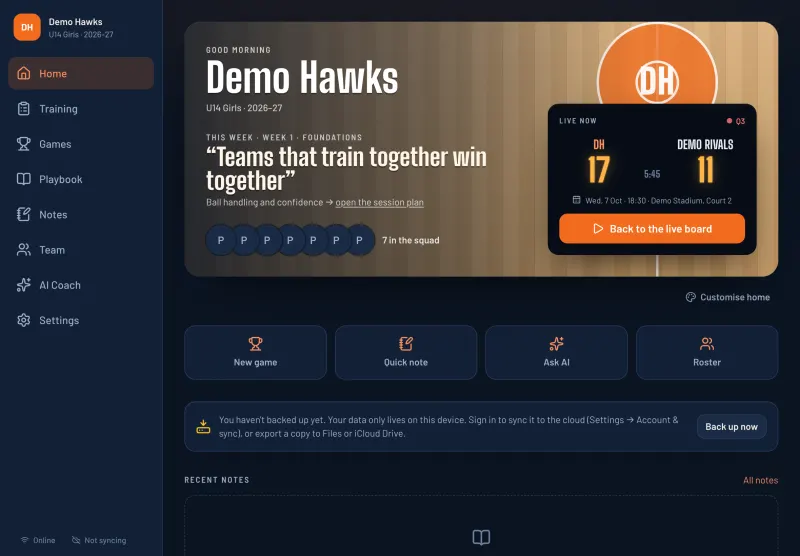
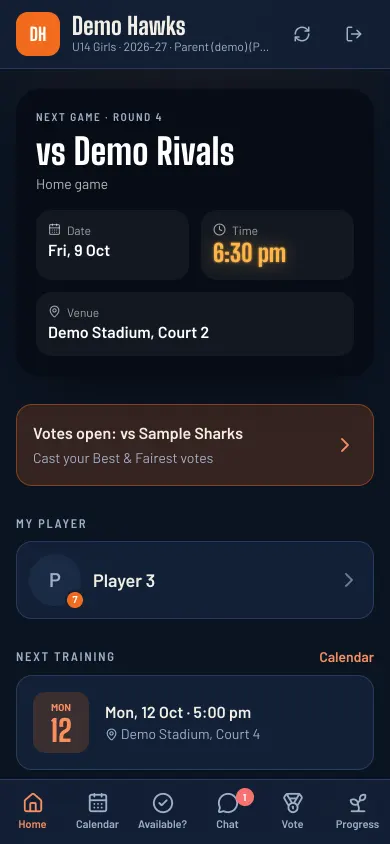
One platform. Everyone has a place.
SportHQ brings the organisers, coaches, players and families together. Each person gets the tools and information their role needs.
A home for committee members and coordinators to manage teams, place coaches and managers, maintain rosters and family contacts, record consent and organise fixtures.
Explore the club officeTurn a season programme into weekly sessions. Run drills with animated guides, build your playbook, plan rotations and track the game live on your iPad, even offline.
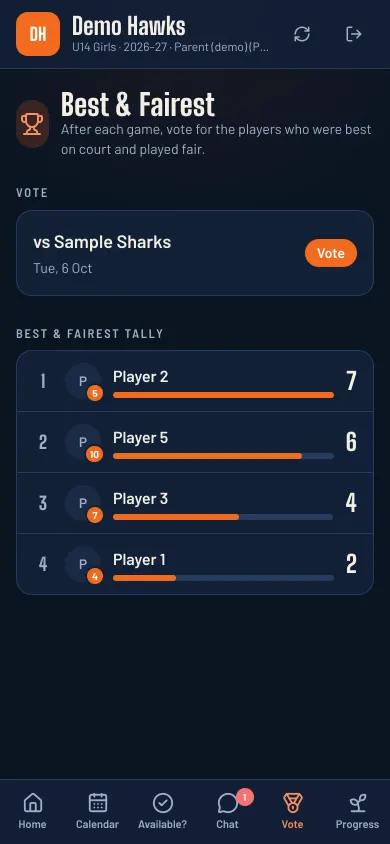
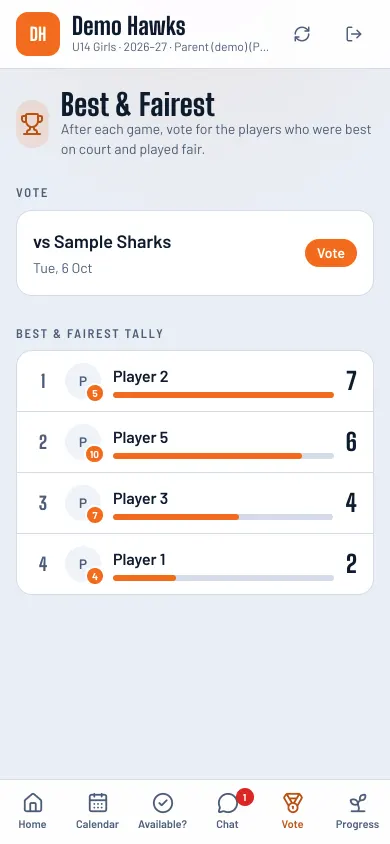
Explore coaching toolsParents and players open their own portal on a phone. Check game and training times, respond with availability and see shared progress. Parents can take part in Best & Fairest voting.
Explore the family portalWhy SportHQ
Most coaches in Australia and New Zealand are parents and volunteers, whatever the sport. They plan sessions after work, manage the bench without an assistant and answer messages from three different group chats. SportHQ puts all of it in one place.
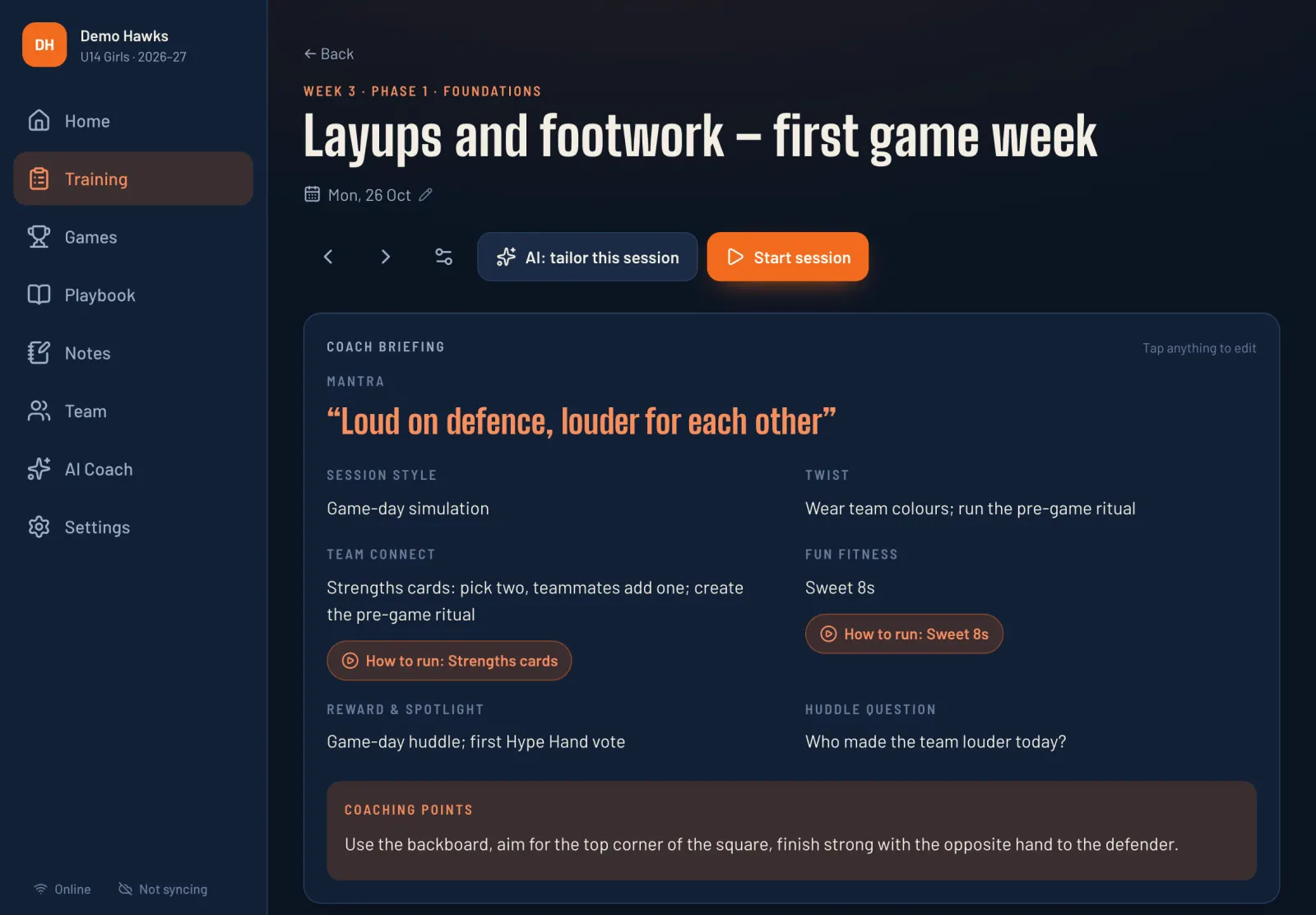
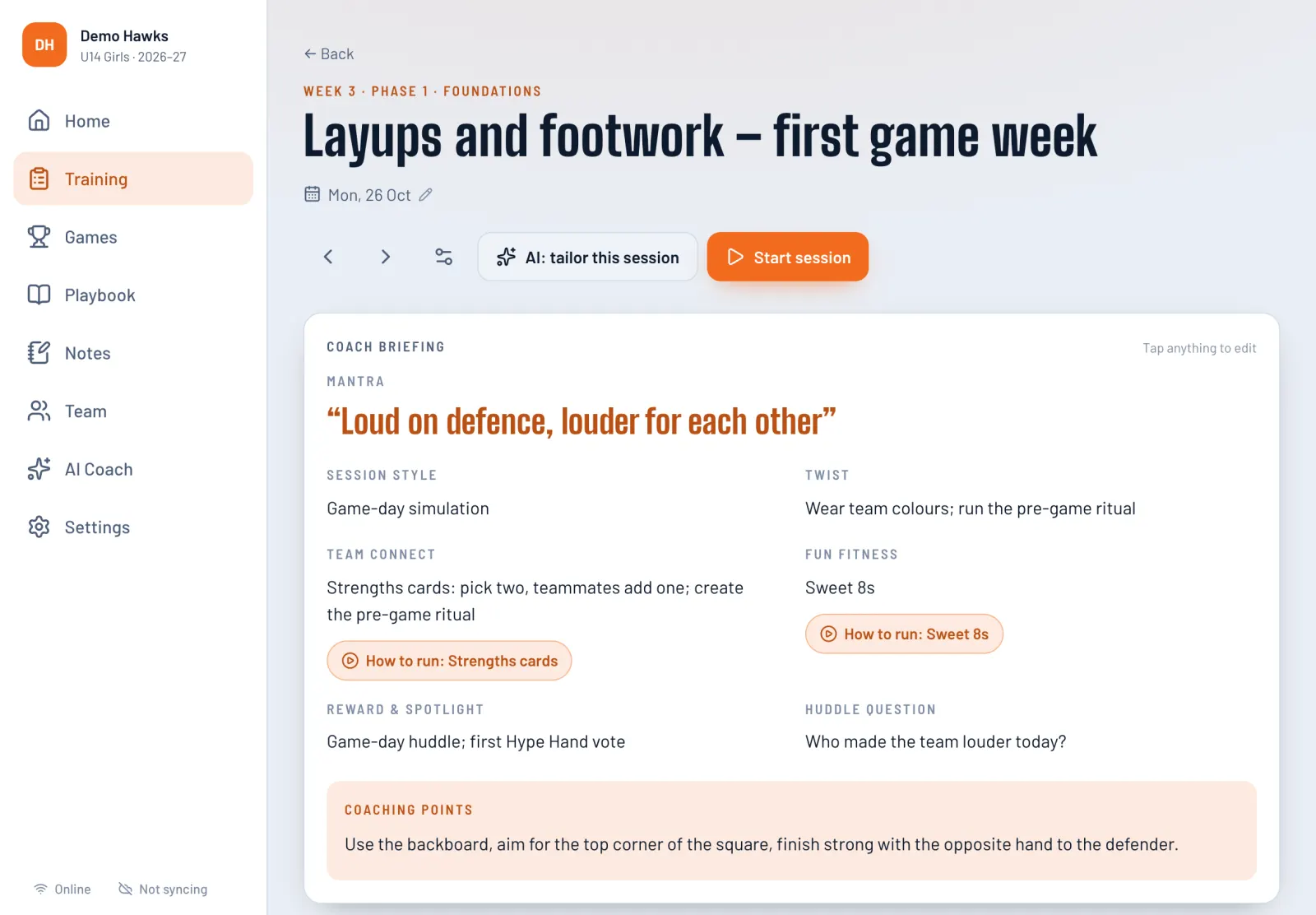
A week-by-week programme with every session planned out. Each drill has a diagram, coaching cues and easier and harder versions, so you can run it on the night without a whiteboard.
Junior games move fast, and parents notice who sat out. The game board tracks every player's minutes and time on the bench, and it reminds you when a planned sub is due.
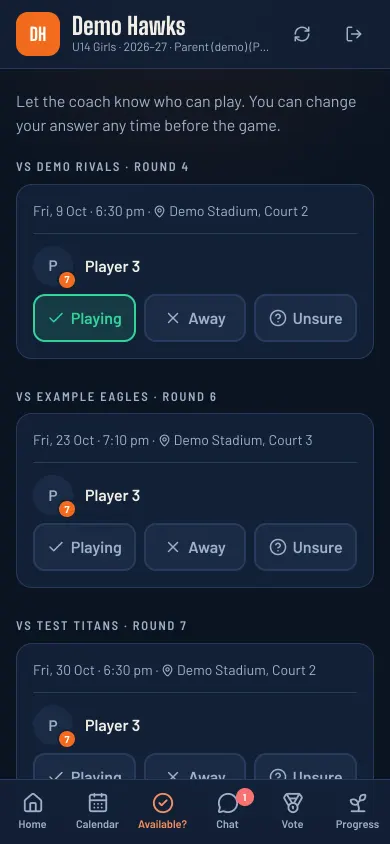
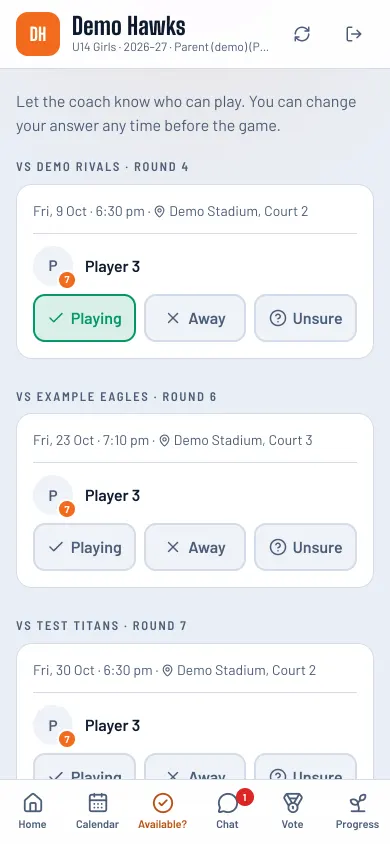
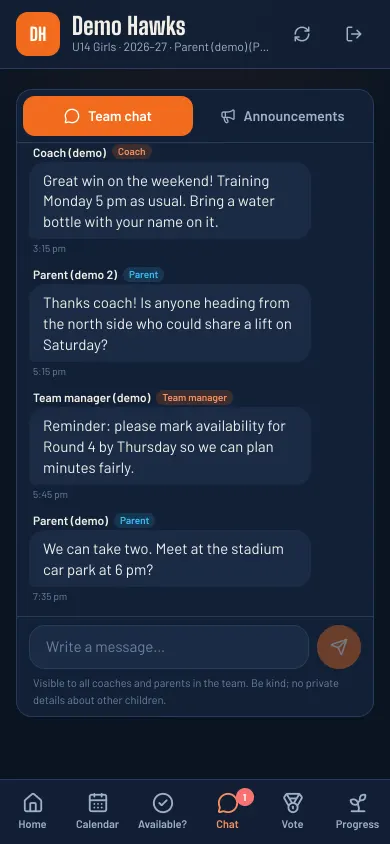
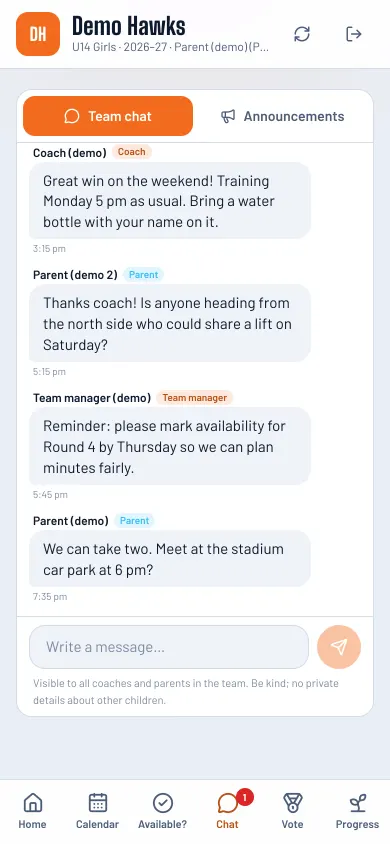
Game times, who's available, lifts to away games and Best & Fairest votes all live in one parent portal. You stop chasing replies by text.
Plenty of stadiums are concrete boxes and plenty of fields are out of range. SportHQ saves everything on your iPad first, so the scoreboard, the clock and your plans never wait for the internet.
Halves, thirds or quarters, running or stop clock, rolling subs or set changes. Each sport pack starts with presets for its grades, and you can change anything to match your association's by-laws.
Effort points, awards, team standards and Best & Fairest rules are yours to name and shape. SportHQ fits the way your club already does things.
Features
From setting up the club to the final whistle, keep the work connected.
Club office
A club needs a view across its teams. SportHQ gives coordinators and committee members a dedicated office, with access shaped by their role.
The club office needs internet. Private coaching notes, medical information and skills tests stay outside the office.
HOW IT CONNECTS

Shared organisation. Access for each role.
Training plans & drill guides
Shown for basketball, live now
Start from a ready-made programme or import your own. Each session tells you what to run, and every drill opens a guide with an animated diagram, what to say and what to watch for.
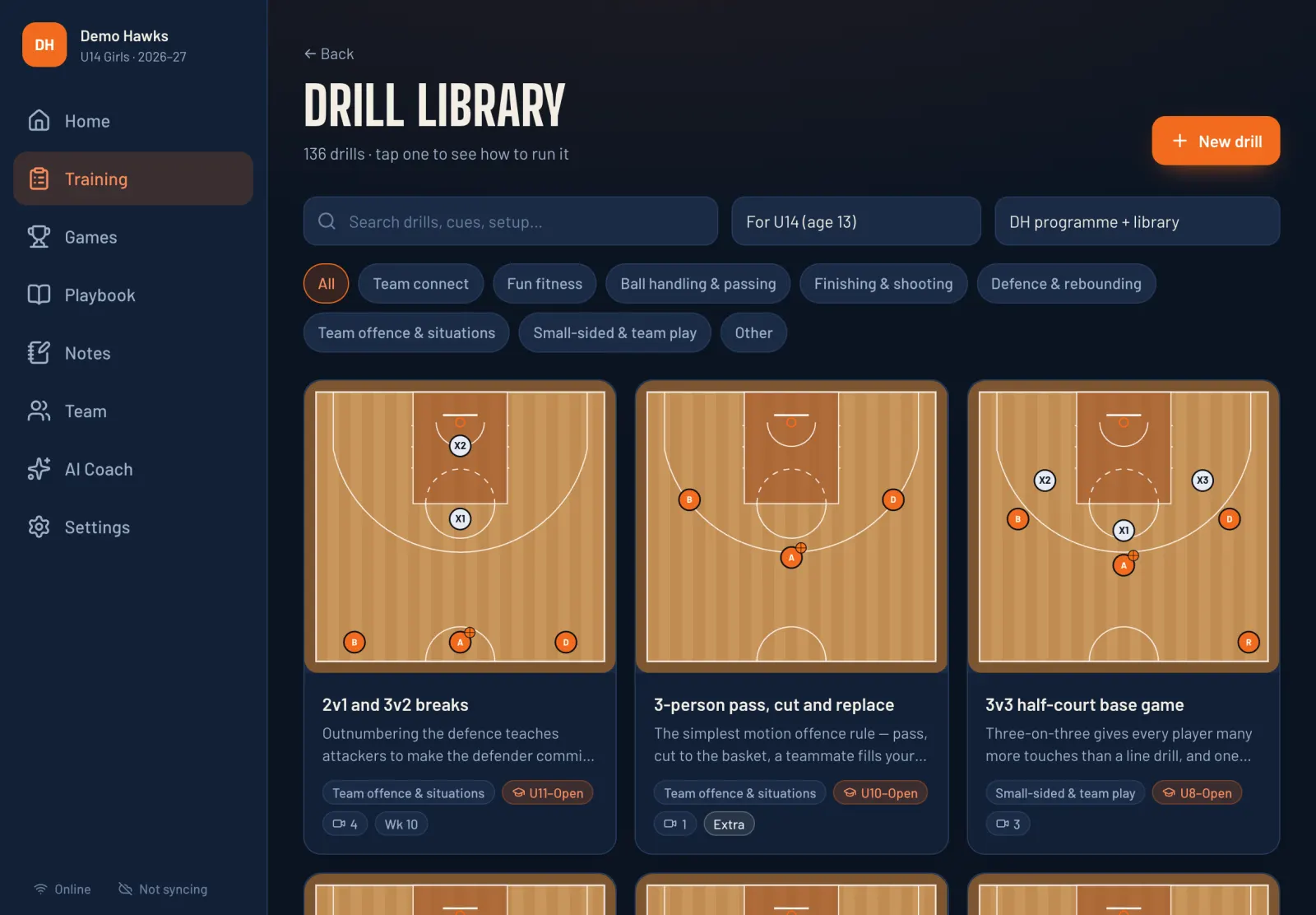
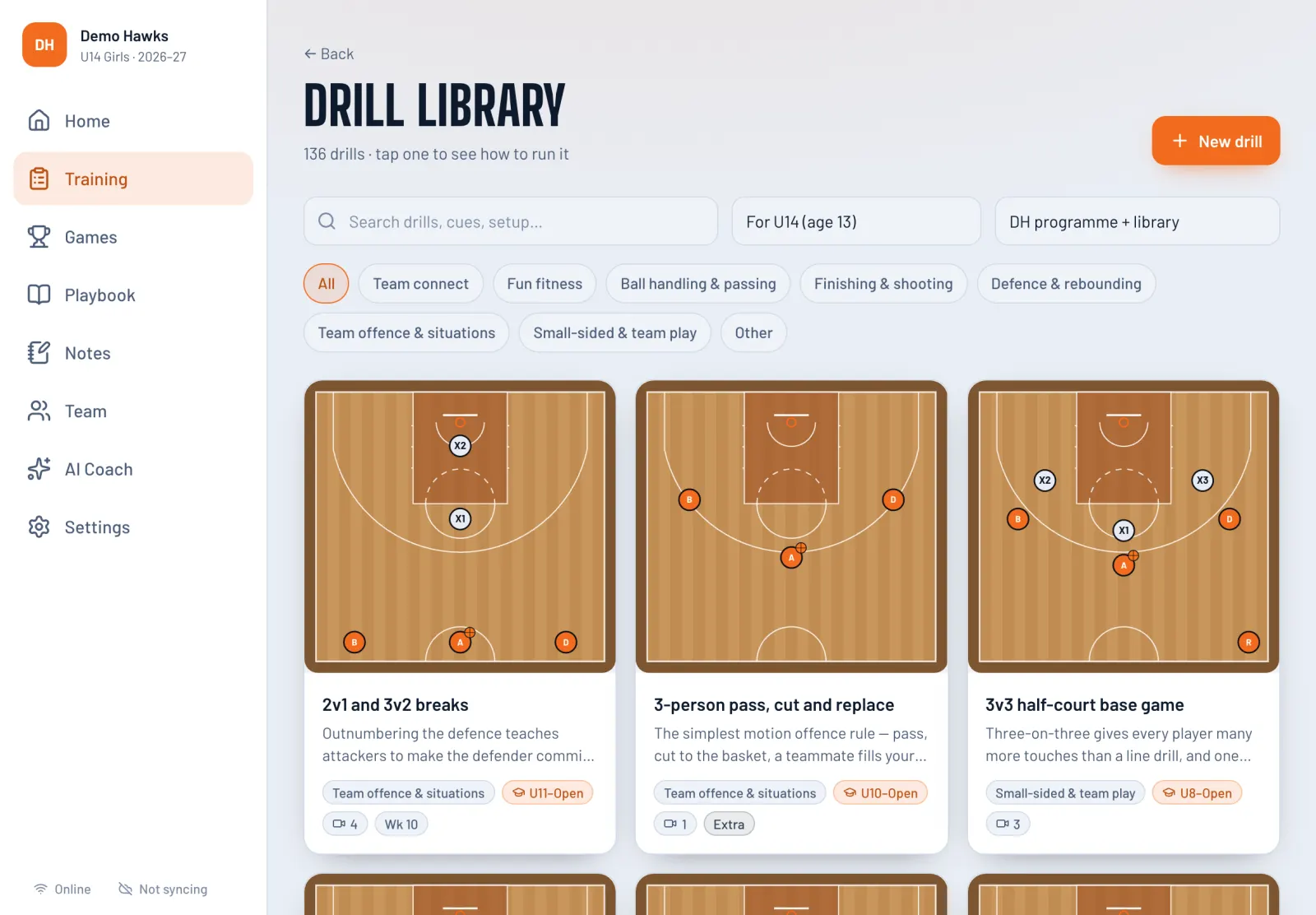
Live game board
Built for basketball, available now.
Drag players onto the court, tap to score, and make subs from the bench. The board keeps a log of every event, so minutes, fouls and timeouts are always right, even if you undo a mistake.
A live demo of the board's scoreboard, clock and minutes. The players are placeholders.
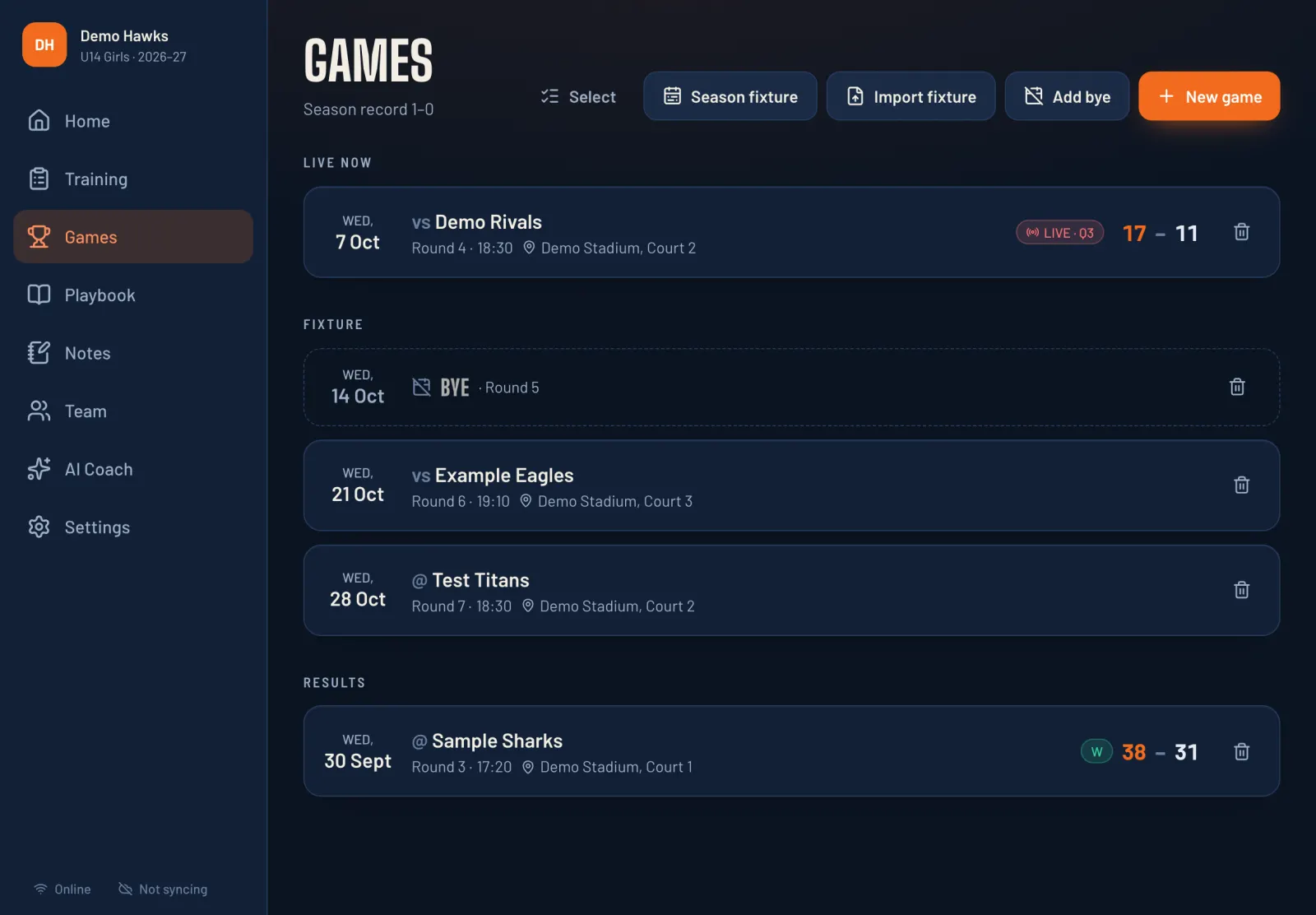
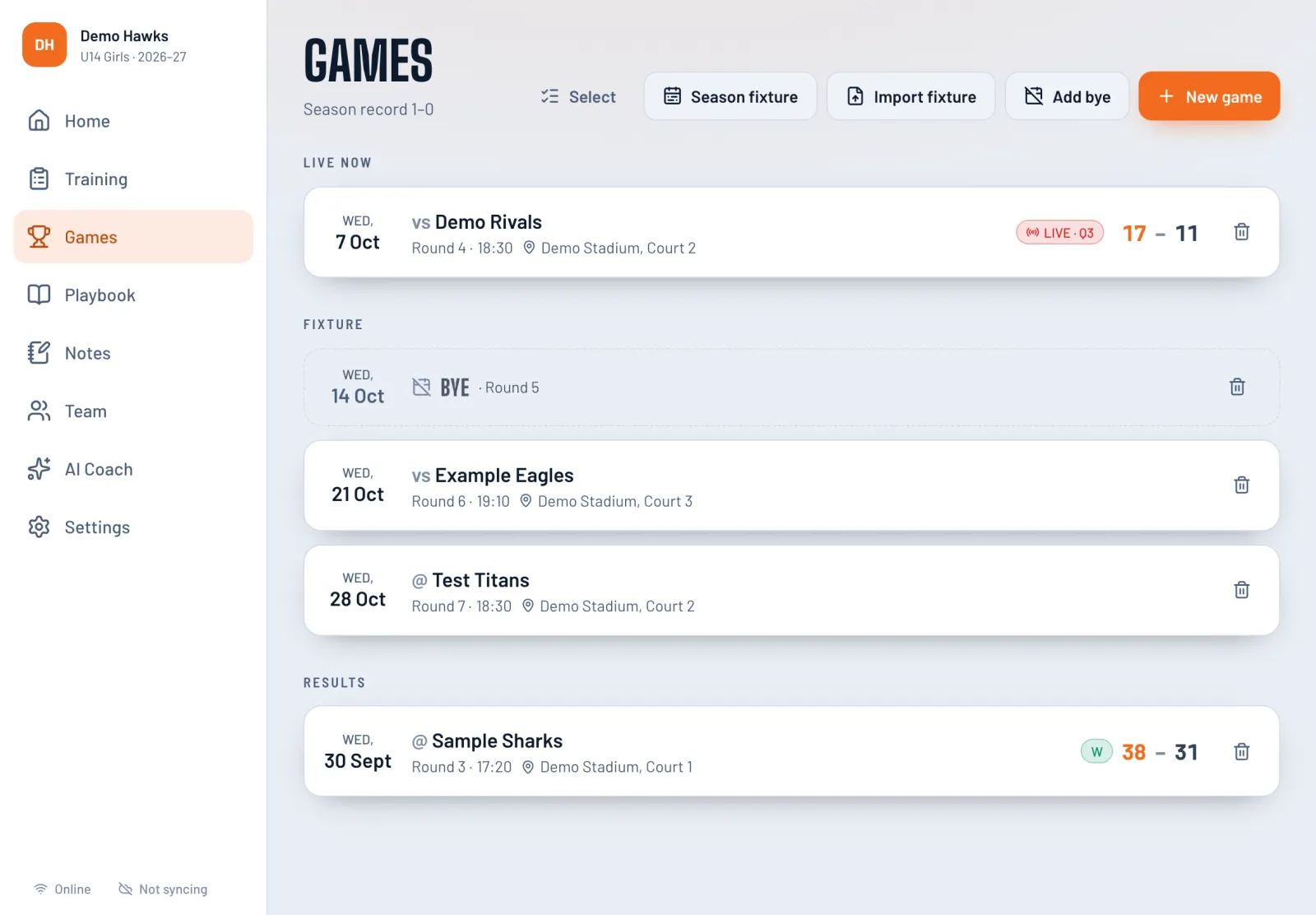
Fixtures & game rules
Basketball presets shown
Build the season fixture round by round, paste it in from your association, or add byes. Each game carries its own rules, so the clock, timeouts and fouls behave like your competition does.
Presets are a starting point. Rules vary between associations and grades, so you can change any of them.
Family portal
Parents open a simple portal on their phone, through an invite or an approved join request. They don't need an app store download or a password.
AI coach (optional)
Ask for a game plan, a session tailored to who turned up, or ideas for a player who's lost confidence. The AI coach reads your notes, minutes and stats, so its answers fit your team instead of generic advice.
AI is optional, with availability depending on your plan or a provider you connect. When you use it, it gets first names or jersey numbers, positions, stats and notes, and never photos or surnames. You can also send jersey numbers only.
Only six players tonight and two are new. Can you rework this week's session for us?
Here's a 60-minute plan for six with the same theme. Swap the 5-out shell for 3v3 half court and pair each new player with a confident one…
We play Demo Rivals on Friday. Their #11 drives left every time. How should we set up our defence?
Force #11 to their right hand. Put your best on-ball defender on them, with help ready at the left elbow…
Offline courtside
Add SportHQ to your iPad's Home Screen and it opens like an app. Everything is saved on the device first and syncs in the background when you're back online. If two coaches change the same thing, the latest change wins.
Safety & privacy
Explore privacy, security and your choices →
Junior teams mean children's names, photos and progress notes. SportHQ keeps that information inside the team and enforces those limits on the server, not only by hiding a button in the app.
Members join by invite or a join code approved by the team or club. Coaches use the coaching app; club admins use the office. Managers can have coaching or organising access. Parents and players use the portal.
There are no private direct messages. Team chat is for staff and parents. Player chat access is off by default; clubs or teams can enable reading or posting.
A parent sees their own child's progress, and only the notes a coach marks as shared. Notes about other players stay with the staff.
Photo access follows roles and family consent, including in the club office and portal. Video clips upload only when a coach chooses to, and they play through short-lived links that expire. Nothing has a public link.
SportHQ doesn’t use advertising or analytics trackers. Team data is processed to run the service, with access controlled by role.
Signing out clears the portal and chat from the device. On a shared iPad, staff can sign out and remove the team's data from that device.
Sports
SportHQ’s coaching tools are available for basketball, from first games to masters. Netball, football, hockey and volleyball are planned. Each needs its own rules, drills and game-day tools; register your interest below to hear when your sport is ready.
FAQ
Available plans and pricing are shown in your account. Check the plan details before subscribing; access, AI and video storage depend on your plan.
It's designed for the iPad, in landscape or portrait, and it also runs in any current browser on a laptop, an Android tablet or a phone. On an iPad, add it to the Home Screen and it opens full screen, like an app. Parents use the portal on their phone.
Yes. Training plans, drill guides, the game board and the clock all run from the iPad. Changes sync to the rest of your staff when you're back online. The club office, family portal, AI coach, team chat and YouTube videos need a connection, and the app tells you clearly when you're offline.
Each sport comes with presets for its common grades. For basketball that's FIBA, junior domestic, Aussie Hoops, social and masters, and schools. Then adjust the period length, clock, timeouts and foul limits. Each game keeps its own rules.
No. Drill guides are tagged by age, from first games to open age, and the rules cover senior and masters competitions. Leave the parent portal off if your team doesn't need it.
Yes. The head coach invites assistant coaches and a team manager, and each of them gets the full app on their own device. Parents and players are invited separately and only see the portal. One account can also run several teams.
No. It’s optional; availability depends on your plan or a provider you connect. Everything else works without it. If you do use it, it never receives photos or surnames, and you can limit it to jersey numbers only.
Yes. Import a programme written as a simple document, week by week, and SportHQ turns it into sessions with linked drill guides. You can edit any of it as the season goes on.
Yes. A coach or manager can create a team and use the coaching app independently. Link it to a club later through an approval process, and choose what the club can see. Club organisers can create a club office separately.
Today the club office manages rosters, contacts, consent and fixtures. Online player registration, membership-fee collection and competition ladders are future work.
Basketball is available now. Netball, football, hockey and volleyball are planned; release dates haven’t been announced. Teams, families, availability, chat and voting work the same in every sport; each sport adds its own positions, rules, drills and game board. Pick your sport when you join the waitlist and we'll tell you when it opens.
Early access
Start with a team or bring your club on board when sign-ups are open. You can also register your interest for access and future sports. We’ll only email you about SportHQ access.
Sign-ups are open. Choose the space that fits your role.
Register your interest for future sports and access updates.